 HobbyCAD
⬆
Push/pull modelling
Draw a rectangle, circle or any shape on the ground or on a face, then pull it into a solid. Push a shape into a part to cut a pocket or a hole.
Free · in your browser · no account
HobbyCAD is a 3D modeller for makers, woodworkers and 3D-printing fans. Draw a shape, pull it into a solid, check whether it will hold the weight, and export an STL for your printer. All in millimetre precision, right in your browser.
Works in Chrome, Edge, Firefox and Safari on a computer. A mouse with a scroll wheel works best.
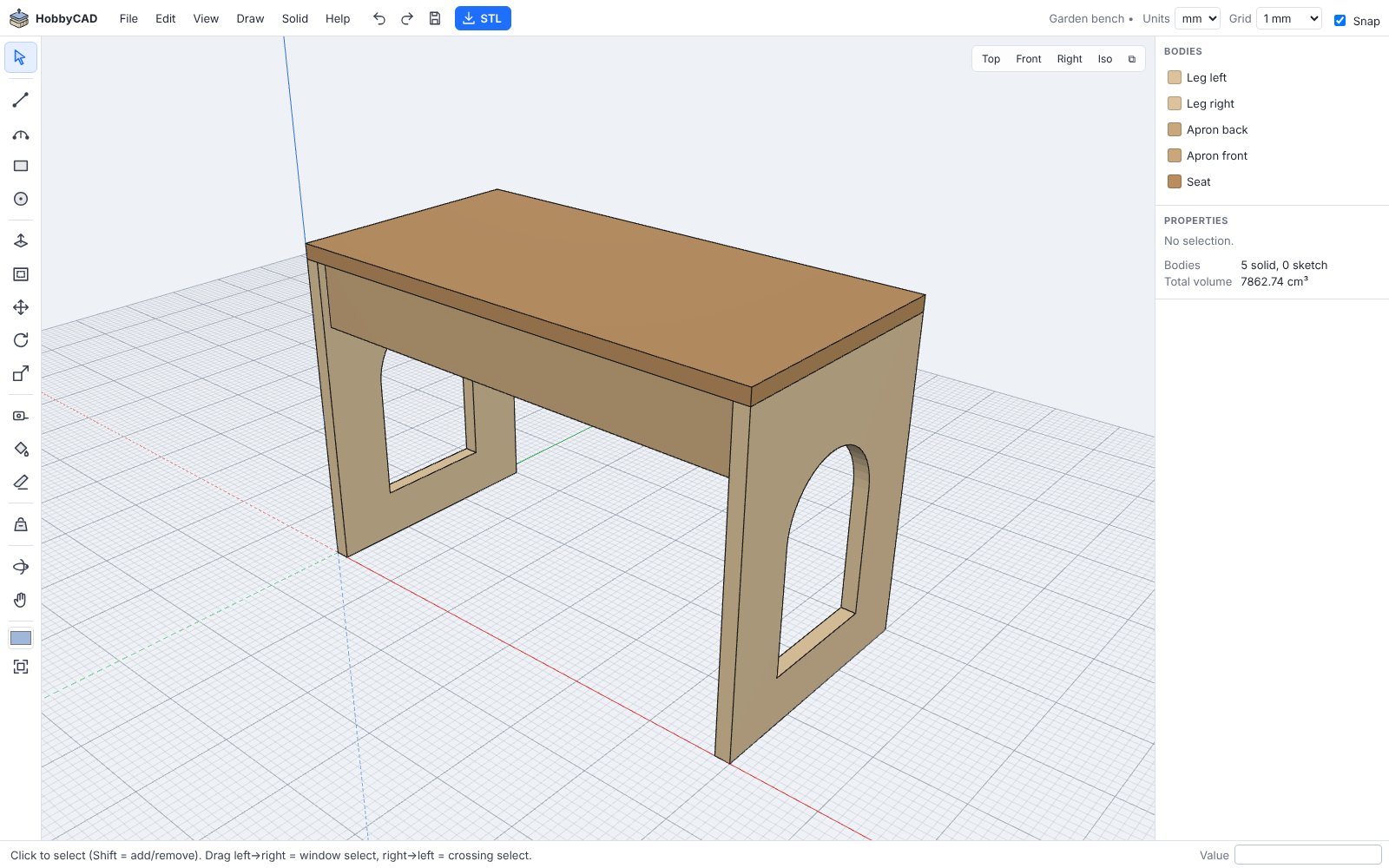
No 500-page manual. If you can draw a rectangle, you can design a shelf.
Draw a rectangle, circle or any shape on the ground or on a face, then pull it into a solid. Push a shape into a part to cut a pocket or a hole.
Work in millimetres or centimetres. Just type 40;20 while drawing, or 15 while pulling. Snapping to corners, edges, axes and a grid keeps things straight.
Put weight on any surface and see what happens: what bends, which screws give up, whether it tips over, and roughly how much it can take.
Export watertight STL files in millimetres for any slicer. Import STL files to use as a starting point, and check printability with one click.
Mix straight lines and arcs in one shape, combine and subtract solids, mirror, scale, rotate, and offset faces to hollow out a box in seconds.
Everything runs on your own computer. No account, no upload, no tracking. Projects are saved in your browser, and you can download them as files.
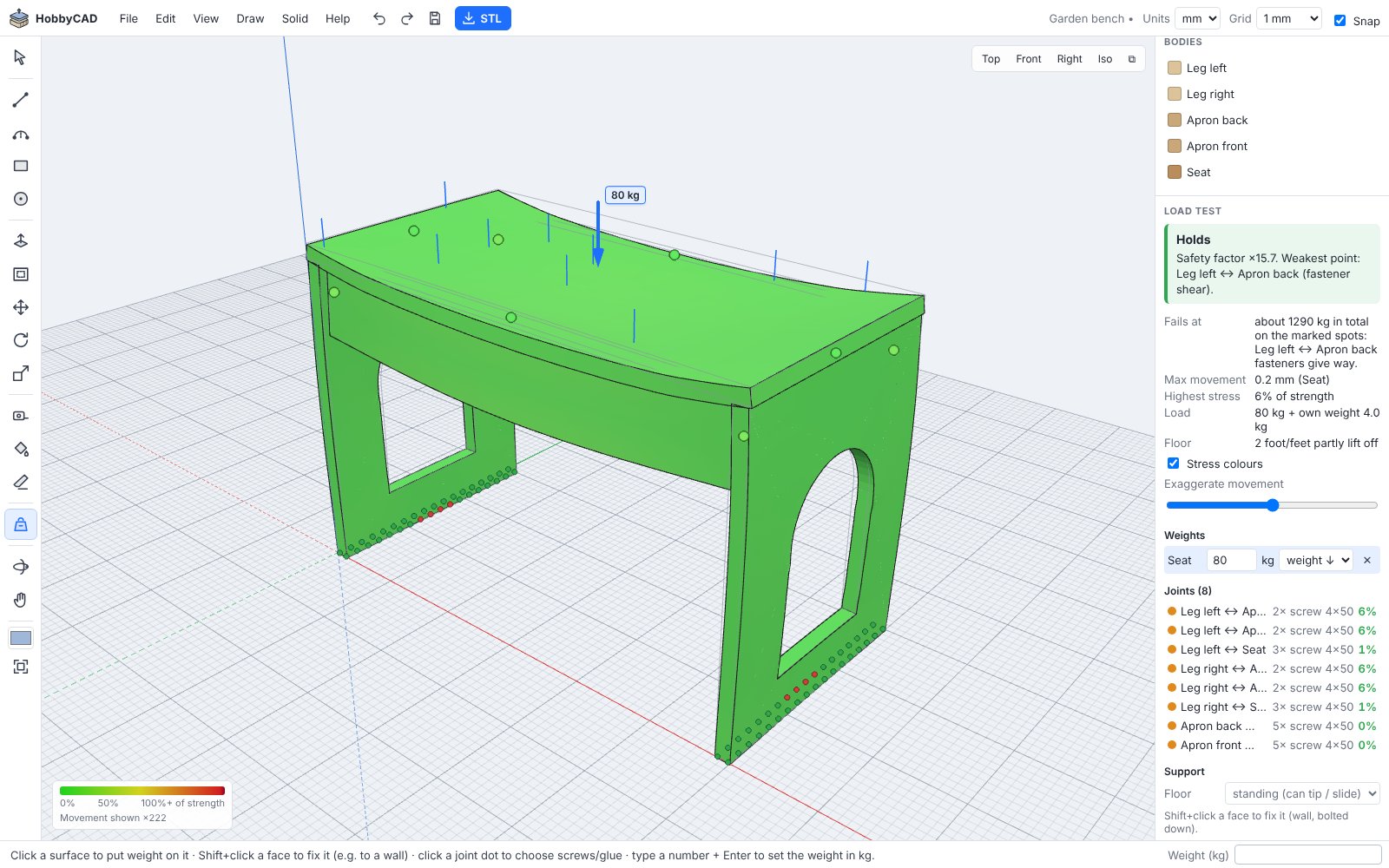
Load test
Click the seat, type 80 kg, and HobbyCAD shows how your design bends (exaggerated so you can see it), colours every part by how close it is to breaking, and tells you what fails first.
The results are an estimate for hobby projects, based on typical material values. They don't replace an engineer for anything where failure could hurt someone.
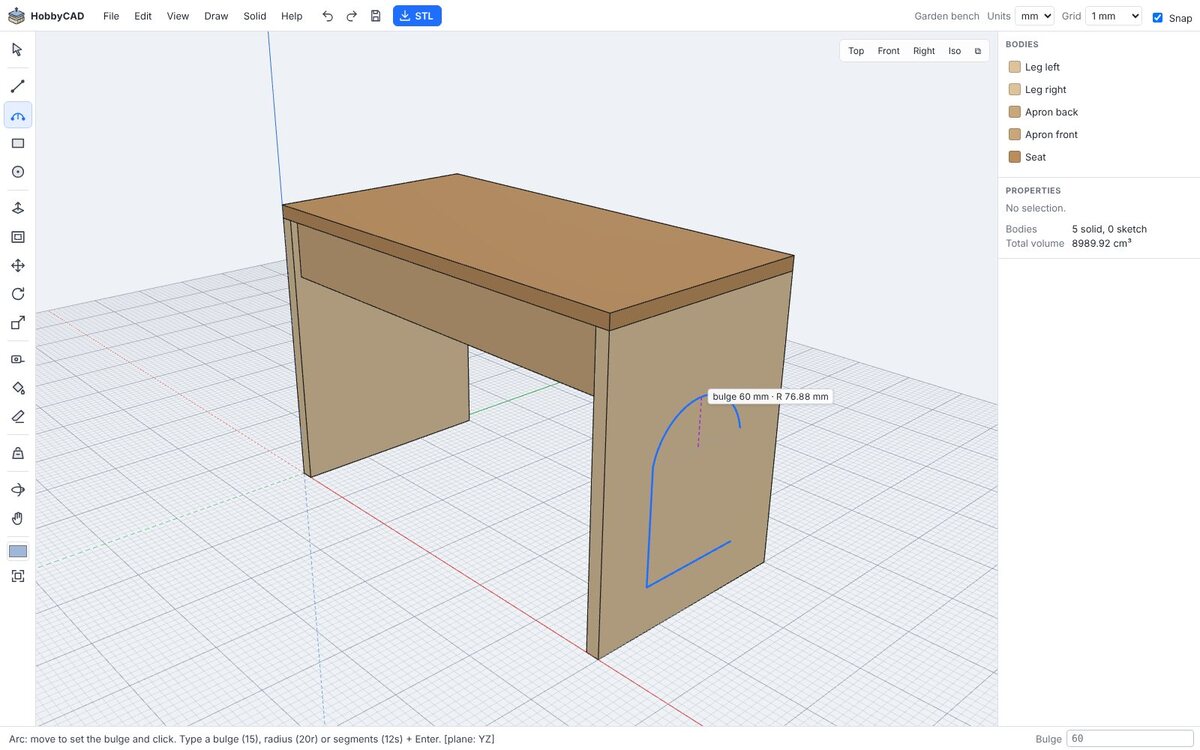
Press R for a rectangle or L for lines (A for arcs). Click, or type the size.
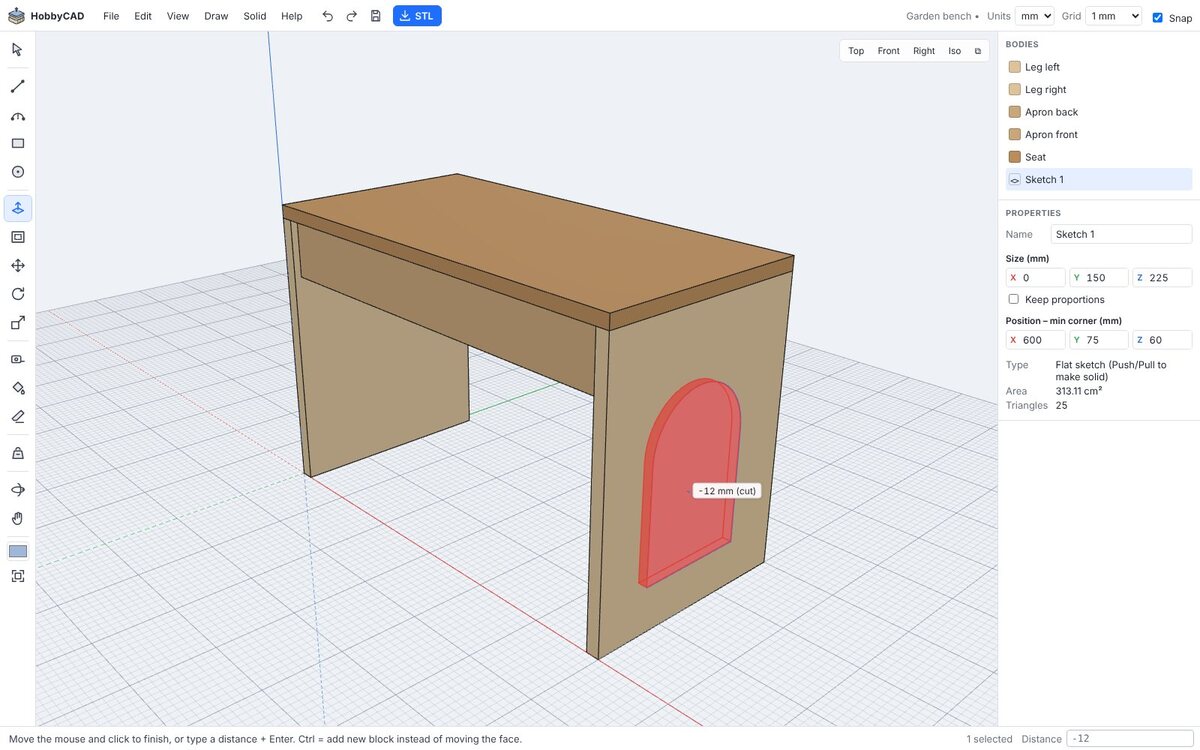
Press P and pull the shape up into a solid. Draw on a face and push in to cut a hole.
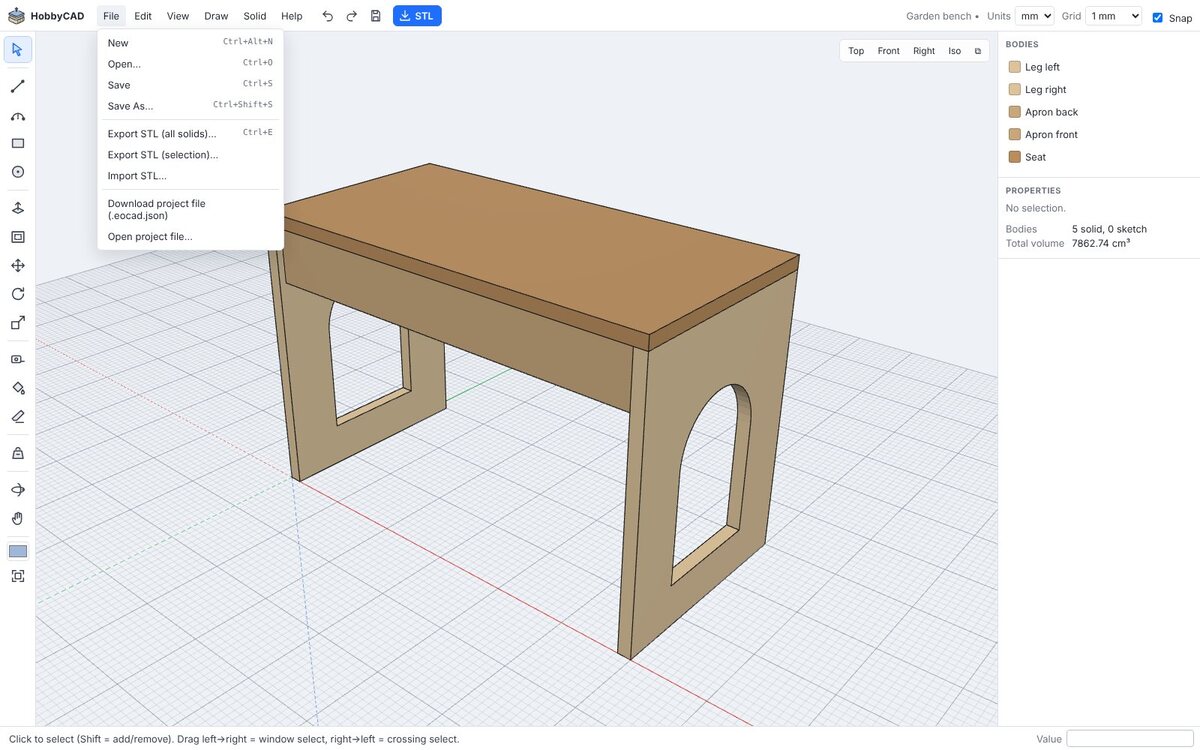
Press W to test it with weight, then Ctrl+E to export an STL for your printer.
Yes. HobbyCAD is free and open source (MIT licence). There are no paid tiers and no ads.
No. Open the app in a recent browser and start drawing. There is nothing to install and no sign-up.
Only on your own computer, in your browser's storage. Your work is saved automatically as you go. For backups, or to move a design to another computer, use File → Download project file. Clearing your browser data also removes projects saved in the browser.
Yes. Export to STL (millimetres) and open the file in your slicer, such as PrusaSlicer, Cura, Bambu Studio or OrcaSlicer. Solid → Check printability tells you if a part is watertight.
For simple beams and boards it matches textbook formulas within a few percent. Real wood varies (knots, grain, moisture), joints are often weaker than typical values, and wood keeps sagging under a load that stays on it for a long time. Use it to compare designs and spot weak points, and build in a healthy safety margin.
Very. Push/pull, the same tool keys (L, A, R, C, P, M, Q, S, T, E), typed values in the box at the bottom right, middle-mouse orbit and arrow keys to lock an axis.